Design Where Every Decision Has a Reason

Wirelio’s mission is to help people study UI/UX design through focused explanations, examples, and independent assignments. We aim to show the reasoning behind design decisions and explain how user needs, content, navigation, and component behavior come together within a digital interface.

  • GitHub logo with a black circle and white silhouette of a cat.
  • LinkedIn logo on a white background
  • Black circle with a white 'M' in the center

From Scattered Notes to Wirelio

Wirelio began with the idea of bringing separate UI/UX design subjects into one connected learning space. We noticed that many materials discuss research, screen structure, navigation, and components separately but rarely demonstrate how these areas work together. Our team therefore created courses in which each topic continues from the previous one and presents the interface as a connected system.

  • Mel Salas

    Mel Salas

    Interaction Designer
    He works on the logic connecting

    screens, buttons, and navigation

    elements. He examines how

    individual actions form

    a consistent user flow.

  • Kaitlin Costa

    Kaitlin Costa

    UX Writer
    She writes button labels,

    messages, prompts, and short

    interface instructions. She keeps

    wording consistent across

    screens and user routes.

  • Rick Avila

    Rick Avila

    Interface Designer
    He creates screen compositions,

    typography hierarchies, and

    visual element states. His work

    keeps information organized

    across related pages.

See How Wirelio Courses Are Structured

Explore the Wirelio course collection covering different stages of UI/UX design. The materials examine user research, screen structure, navigation, prototypes, components, and visual systems. Each course includes its own selection of modules, practical assignments, and subjects for independent study. Select Preview Courses to compare the programs and choose a suitable learning direction.

  • A black and white line art vector diagram showing a central computer server connected to eight surrounding process or data modules with arrows and connectors, on a solid white background.

    Linked Topics

    Research, user flows,

    wireframes,

    components, and

    visual rules are

    presented as related

    parts of one process.

  • A minimalist black and white line art illustration of overlapping mobile app screens with a download icon hanging below, on a plain white background.

    Project Exercises

    Assignments support

    the application of

    course materials

    through diagrams, user flows and

    component systems.

  • A minimalist black line icon depicting a tablet or mobile device screen with interface panels, centered on a light gray background.

    Flexible Pace

    You can organize

    study sessions around

    your schedule and

    revisit individual

    topics when

    needed.

  • A black and white vector diagram showing a central hub with surrounding nodes and arrows, likely representing a workflow or network process.

    Offline Materials

    Included files can be

    downloaded to your

    device and used for

    study without a

    continuous internet

    connection.

  • Lester Huber

    Lester Huber

    Lester had already created individual layouts but

    often encountered inconsistent buttons, spacing,

    and element states. He was looking for materials that

    could help him organize repeated decisions within one project.The explanations about components, variations, and usage rules were particularly useful to him.

    “After each module, I could review my own screens

    and understand where the inconsistencies

    were coming from.”

  • Karla Miles

    Karla Miles

    Karla joined the course with an interest in user

    research but was unsure how to turn notes and

    observations into specific interface decisions.

    The combination of focused explanations,

    diagrams, and independent analysis tasks

    was especially useful to her.

    “The materials helped me move beyond collecting

    notes and understand how they could influence

    navigation and screen content.”

30-Day Money-Back Guarantee

Try the course risk-free. If you're not satisfied for any reason, get a full refund. No questions asked. Refund requests may be submitted within 30 days in accordance with our Refund Policy.

  • A black tablet device shown at an angle on a plain white background, with the screen displaying the text 'Spark Collection' and app interface cards.
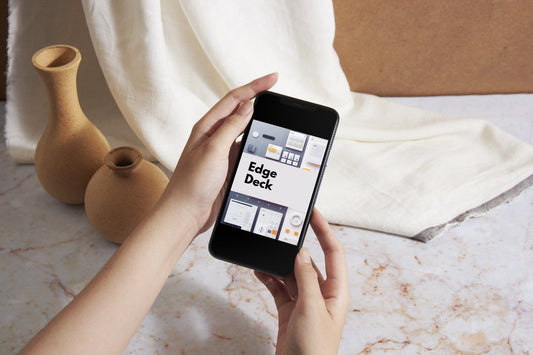
  • A person's hands holding a black smartphone displaying the 'Edge Deck' app interface against a solid white background.
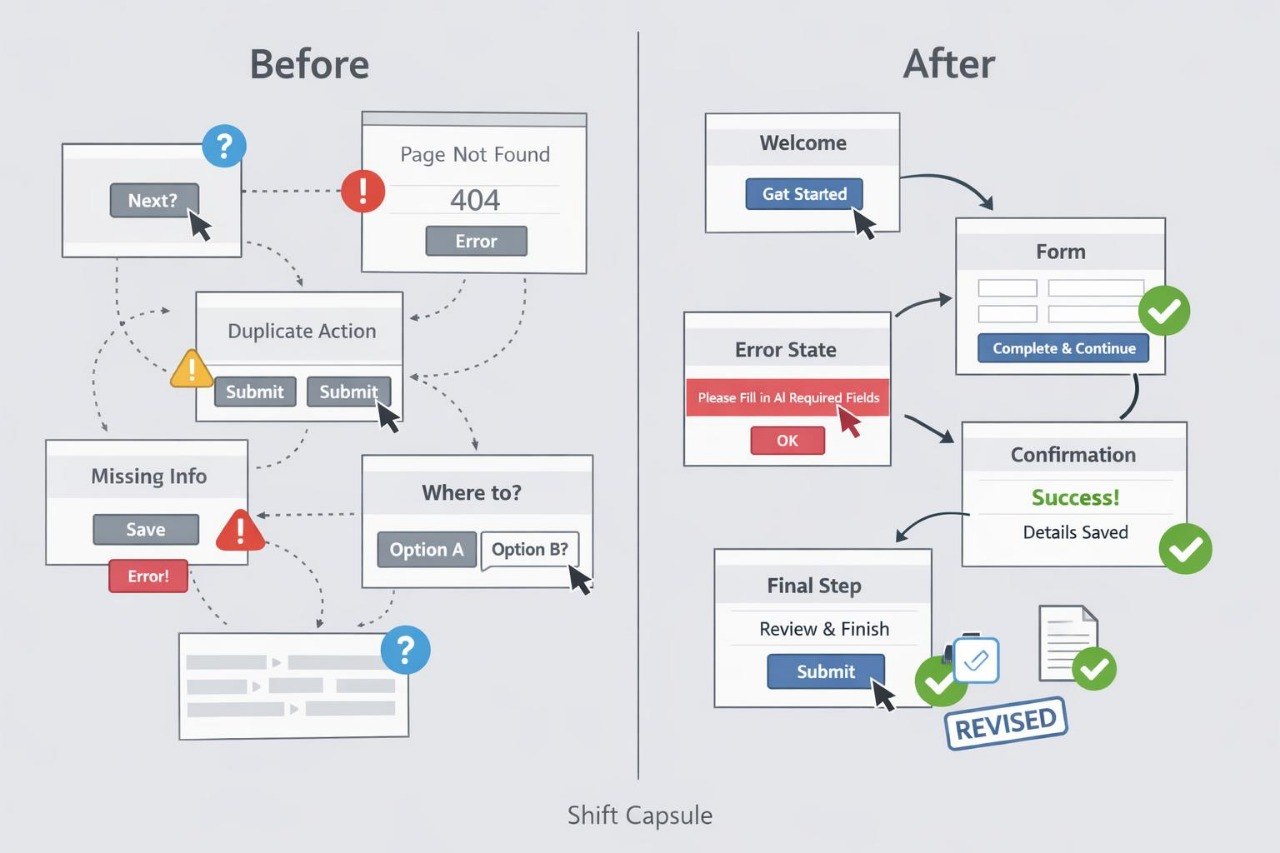
  • A black laptop computer shown open against a plain white background, with the screen displaying the text 'Shift Capsule' and several small interface thumbnails.

Begin with an Introductory Material

Begin exploring Wirelio with an open introductory material covering UI/UX design foundations. It includes focused explanations, diagrams, and a short independent assignment. The material presents our learning format and approach to interface structure. Download the file and study it at a pace that suits your routine.